LISTINGVID JOURNAL
How to turn an ImmoScout24 listing into an Instagram Reel
Use the listing photos you already have to create a property reel buyers can understand in seconds.
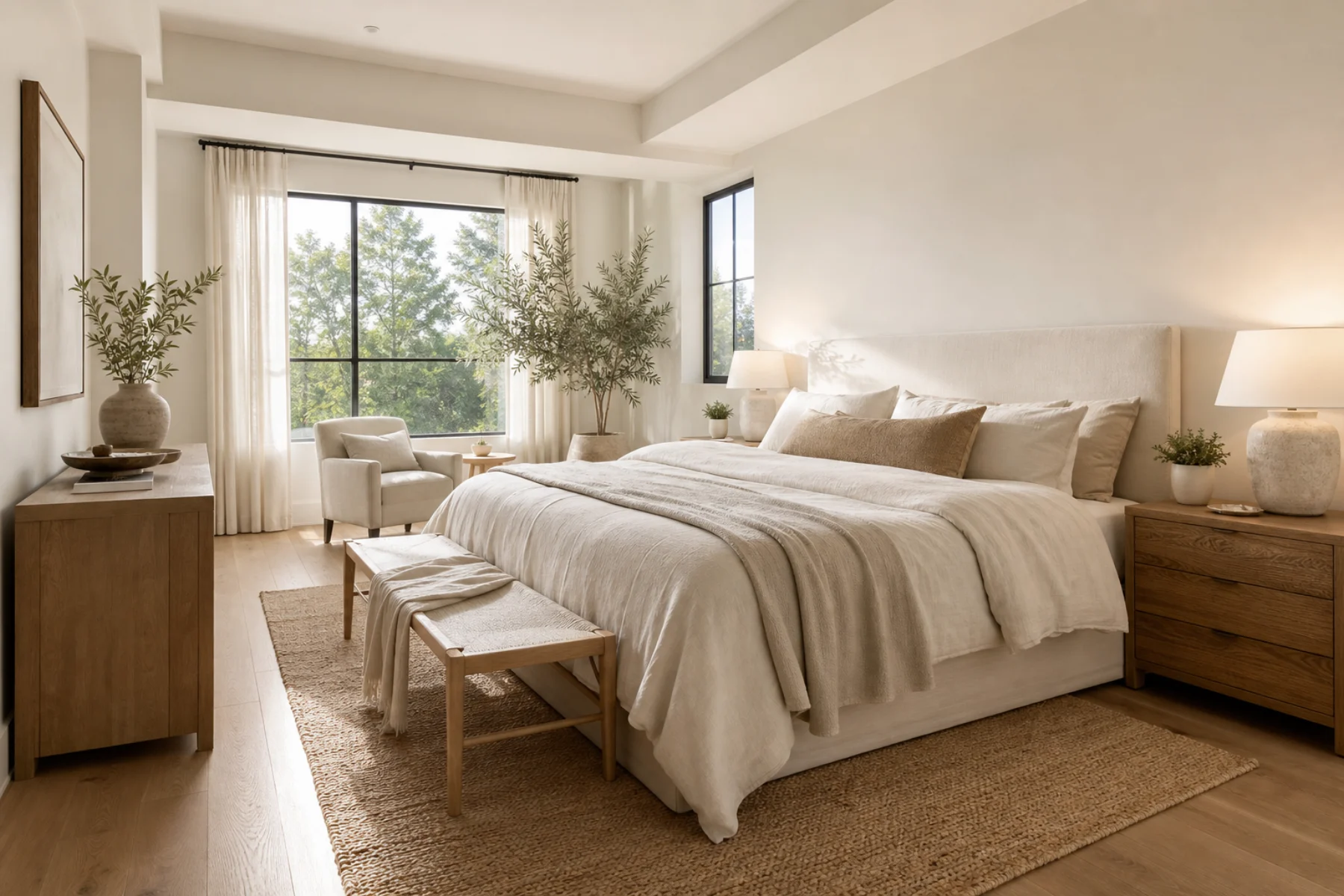
Open with the part worth visiting for
An Instagram Reel has a very short window to earn attention. Lead with the strongest visual from the ImmoScout24 listing: a sunlit kitchen, the view, a distinctive facade, or the room that explains the price.
Do not start with a logo slate or a long introduction. Give the buyer a reason to stay before you add the useful details.
Turn photos into a clear tour
Arrange the imagery in the order a person would naturally experience the home. Add simple captions for the neighborhood, room count, and features that are hard to see in a still image.
A calm voiceover can add context, but the reel should still make sense with sound off. Keep the copy specific and readable at mobile size.
Publish with a useful next action
Close with the listing identity and a clear invitation to view the full details or contact the agent. The Reel creates interest; the listing remains the destination for availability, disclosures, and appointments.