LISTINGVID JOURNAL
How to turn a Funda listing into a social video
A practical workflow for making a property listing work across social video without adding a production bottleneck.
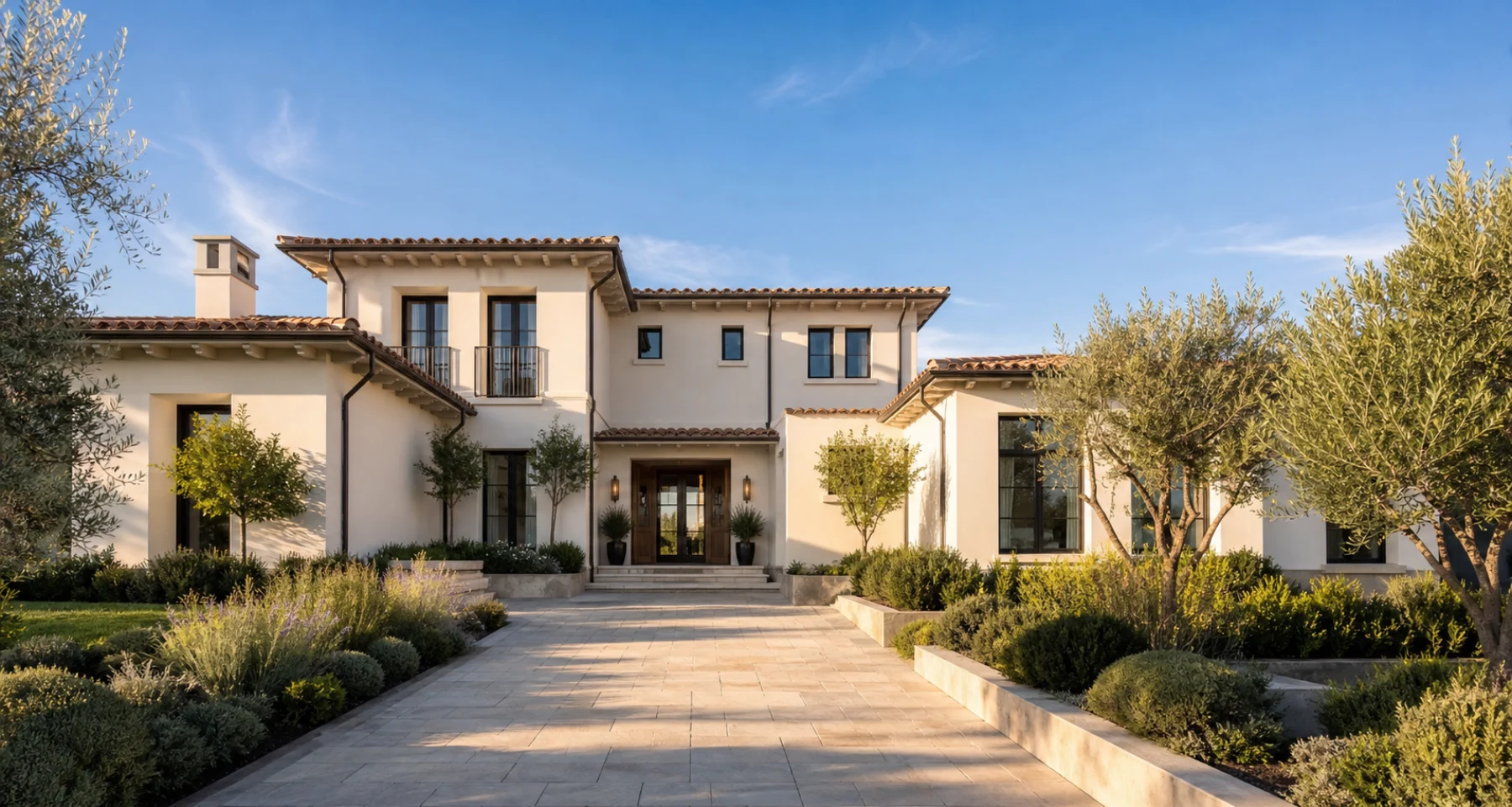
Treat the listing as the creative brief
A Funda listing already contains the raw material for a useful property story: the address, photographs, room sequence, key amenities, and the detail that makes a buyer pause. Start there instead of inventing a separate production process.
Choose the first image for its stopping power, then arrange the rest as a walk-through: arrival, best room, practical context, and the close. That sequence is much easier to understand in a social feed than a gallery of disconnected photos.
Make one property work in more than one format
Use a vertical cut for Instagram, TikTok, and Stories; keep captions on because many buyers will first see it without sound. A slightly longer version can support the listing itself, WhatsApp follow-ups, or an agent newsletter.
The facts should remain grounded in the approved listing. Video is a way to make those facts more immediate—not a reason to over-promise.
Keep the launch repeatable
When every listing follows the same input-to-video workflow, marketing can happen on the first day a property goes live. The agent reviews the output, posts the version that fits the channel, and has a reusable format for the next listing.