LISTINGVID JOURNAL
ListingVid vs Steve AI vs Animoto for real estate
A practical comparison of three different ways to turn property assets into branded video—without pretending every workflow solves the same job.
The quick answer
Choose ListingVid when the job starts with a property URL or listing photos and needs to end as a real-estate video, social cut, or staged visual. Choose Steve AI when the starting point is more often a prompt, script, blog, audio file, or general marketing concept. Choose Animoto when your team wants a hands-on template editor for arranging photos, clips, text, music, and transitions.
The right choice is therefore less about which product has the longest feature list and more about how much work sits between your approved property assets and a publishable result.
The starting point changes the whole workflow
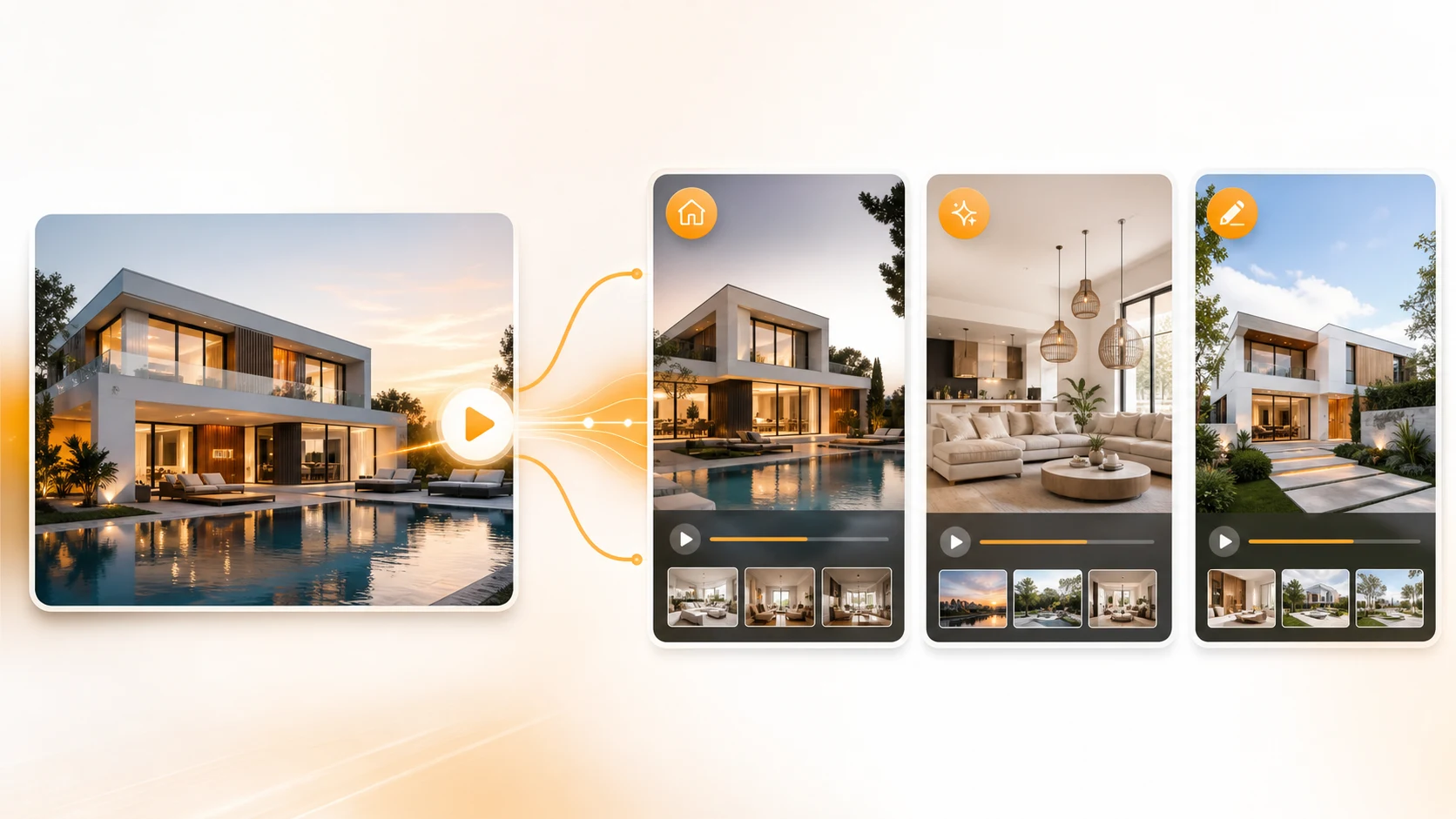
A property-first workflow begins with the material an agent already has: the listing URL, approved facts, room photography, agency branding, and the channels where the property will launch. ListingVid is organized around that handoff, including property video, voiceover, captions, multiple aspect ratios, and AI photo or home-staging tools in the same product.
Steve AI describes a broader generative workflow built around text, prompts, scripts, blogs, images, audio, and URLs. Animoto describes a template-led editing workflow where users replace media and customize layouts, text, colors, music, transitions, and aspect ratio. Both can be useful; neither starting point is identical to a listing-specific production flow.
What real estate teams should test
Use one live but approved listing for the trial. Measure the time from source material to first reviewable cut, then check factual accuracy, room order, caption readability, voiceover control, brand consistency, and the effort required to create vertical and horizontal versions.
Also test the person who will use the tool every week. A marketing specialist may value granular scene editing, while an agent managing several launches may value a shorter path from listing to finished assets. The best demo is the workflow your team can repeat—not a generic showcase video.
Where each option fits
ListingVid is the focused choice for agents, agencies, property marketers, photographers, and hosts who want the listing itself to drive video and image creation. Steve AI suits teams making several kinds of AI video from scripts or other content sources. Animoto suits teams that prefer to build within templates and make visual decisions manually.
For a flagship property, a custom videographer can still be the right creative investment. For frequent listing launches, compare how reliably each software option turns existing assets into accurate, channel-ready content without creating a new production bottleneck.
Workflow comparison at a glance
This comparison describes the products’ published workflows and ListingVid’s current property-focused capabilities. Plan limits and product details can change, so confirm anything purchase-critical on each provider’s current site.
| Decision point | ListingVid | Steve AI | Animoto |
|---|---|---|---|
| Primary starting point | Property URL or listing photos | Prompt, text, script, blog, image, audio, or URL | Template plus uploaded photos and video clips |
| Core workflow | Generate property marketing assets from listing content | Generate and edit general-purpose AI videos | Arrange and customize a template-based video |
| Real-estate-specific image tools | Virtual staging, vacancy, lighting, twilight, and enhancement tools | Not the product’s stated real-estate focus | Not the product’s stated real-estate focus |
| Voice and captions | AI voiceover and captions within the listing workflow | Voice and subtitle capabilities are listed | Recorded voiceover and editable text are supported |
| Brand control | Agency branding for recurring property content | Brand kit is listed | Saved brand elements and visual customization are listed |
| Best fit | Repeatable listing and property-social production | Broad AI video creation from many source types | Hands-on, template-led photo and video editing |
FAQ
Questions agents ask before choosing
Which tool is best for real estate agents?
ListingVid is the most specialized of the three for a workflow that begins with a property URL or listing photos. Steve AI is broader and generation-led, while Animoto is a hands-on template editor. The best fit depends on whether your priority is property-specific automation, general AI video creation, or manual template control.
Can all three tools create video from property photos?
They can all work with visual assets, but the workflow differs. ListingVid uses listing content as the basis for property marketing outputs. Steve AI supports images among several possible inputs. Animoto lets users add photos and clips to customizable video templates.
How is ListingVid different from a general AI video generator?
ListingVid is built around real estate inputs and outputs: listing URLs, property photos, listing video, social formats, voiceover, captions, branding, and AI property-image workflows such as virtual staging. A general generator is designed to serve a wider range of video use cases.
Is Animoto a better choice if I want manual editing control?
Animoto may suit teams that want to select a template and directly customize media, layouts, text, colors, music, transitions, and aspect ratio. Test the editing experience with a real listing before deciding how much manual control your weekly workflow needs.
Should I choose a real estate video tool based on price?
Price matters, but it should be compared with the time required per listing, the plan’s current export limits, the need for separate image tools, and the number of channel-ready versions your team must produce. Confirm current pricing and limits directly with each provider.
Product sources reviewed
Product capabilities change. These official sources were reviewed for this comparison:
Test the property-first workflow on your next listing.
Start with a listing URL or the photos your team already approved, then create a reviewable property video for the channels you use.