Start with a property URL or approved photos
Use the listing details and room images your team already trusts instead of rebuilding the creative brief in an editor.
Listing Video Generator
Turn the approved assets you already have into a reviewable property video with AI voiceover, captions, music, agency branding, and the formats your campaign needs.
Built for Agents · Agencies · Photographers · Marketing teams
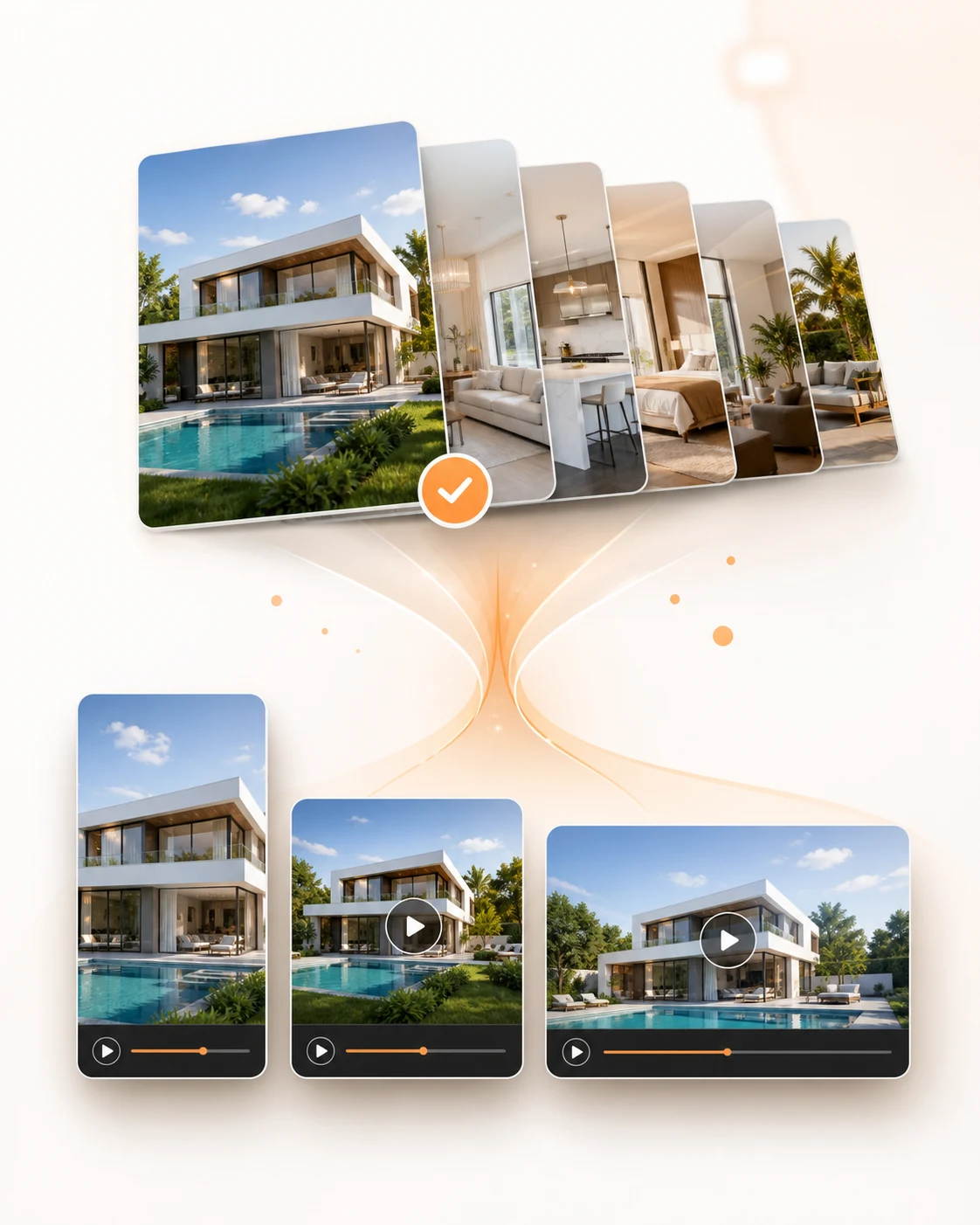 MLS · Reels · Web
What changes
Use the listing details and room images your team already trusts instead of rebuilding the creative brief in an editor.
Arrange the strongest rooms, add listing-aware narration and captions, then review the first cut before publishing.
Prepare vertical, square, and widescreen versions without starting a separate editing project for each placement.
How it works
Paste the property listing URL or upload its approved photo set, then confirm the details that should appear in the video.
Choose the room order, format, messaging angle, voiceover, captions, music, and agency branding for the first cut.
Download the approved video in the aspect ratio required for Reels, TikTok, YouTube, WhatsApp, portals, or client outreach.
Where it fits
Prepare a reviewable launch video from the same material used to publish the property listing.
Turn every new listing into content for Reels, Stories, and short-form ads.
Use one approved property story across vertical, square, and wide placements without rebuilding every cut.
Production comparison
A custom shoot, a general editor, and a property-first generator solve different jobs. Compare the workflow before choosing how to produce the next video.
| Decision point | ListingVid | General video editor | Videographer |
|---|---|---|---|
| Starting point | Listing URL or property photos | Blank timeline or template | Scheduled property shoot |
| Property story | Generated from listing details and reviewed | Written and assembled by the user | Planned with the production team |
| Channel versions | Vertical, square, and wide from one property workflow | Created and adjusted manually | Defined in the production brief |
| Best fit | Repeatable listing and social production | Teams wanting hands-on timeline control | Flagship or bespoke cinematic work |
FAQ
Yes. Upload the approved property photos and add the details you want the script, captions, and voiceover to use. A supported listing URL can shorten the setup further.
Yes. Vertical output is first-class, and the same listing can also be exported in square and wide versions.
Yes. Logo, color palette, contact details, and watermarking can be applied across exports.
No. It is meant to help teams ship consistent listing content across standard, premium, and rental inventory.
ListingVid starts with the property itself and combines the listing story, room imagery, voiceover, captions, branding, and channel formats in one real estate workflow. A general editor usually requires the team to assemble those elements manually.
Yes. The workflow is designed around a reviewable first cut so the agent or marketing team can confirm the property story, visuals, and branding before export.
Start with the listing
Generate a reviewable first cut, confirm the story and branding, then export it for the channels in your campaign.
Create your first listing video