New-listing launch
Turn the photos and facts already approved for Zillow into a video for the first social push.
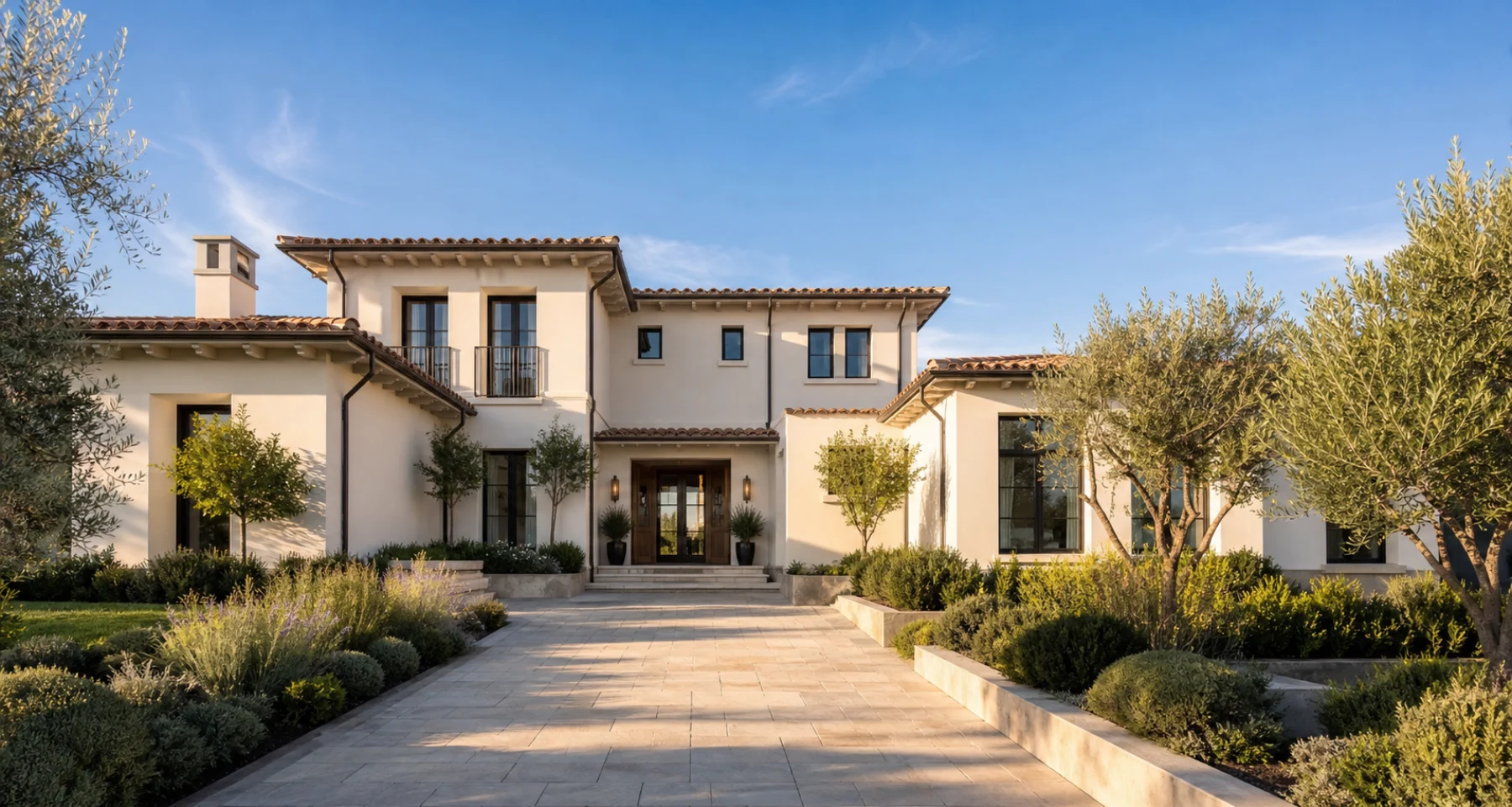
 MADE FOR ZILLOW LISTINGS
Start with the Zillow URL or approved property photos. Create a reviewable listing video with voiceover, captions, music, and agency branding for the channels where buyers discover homes.
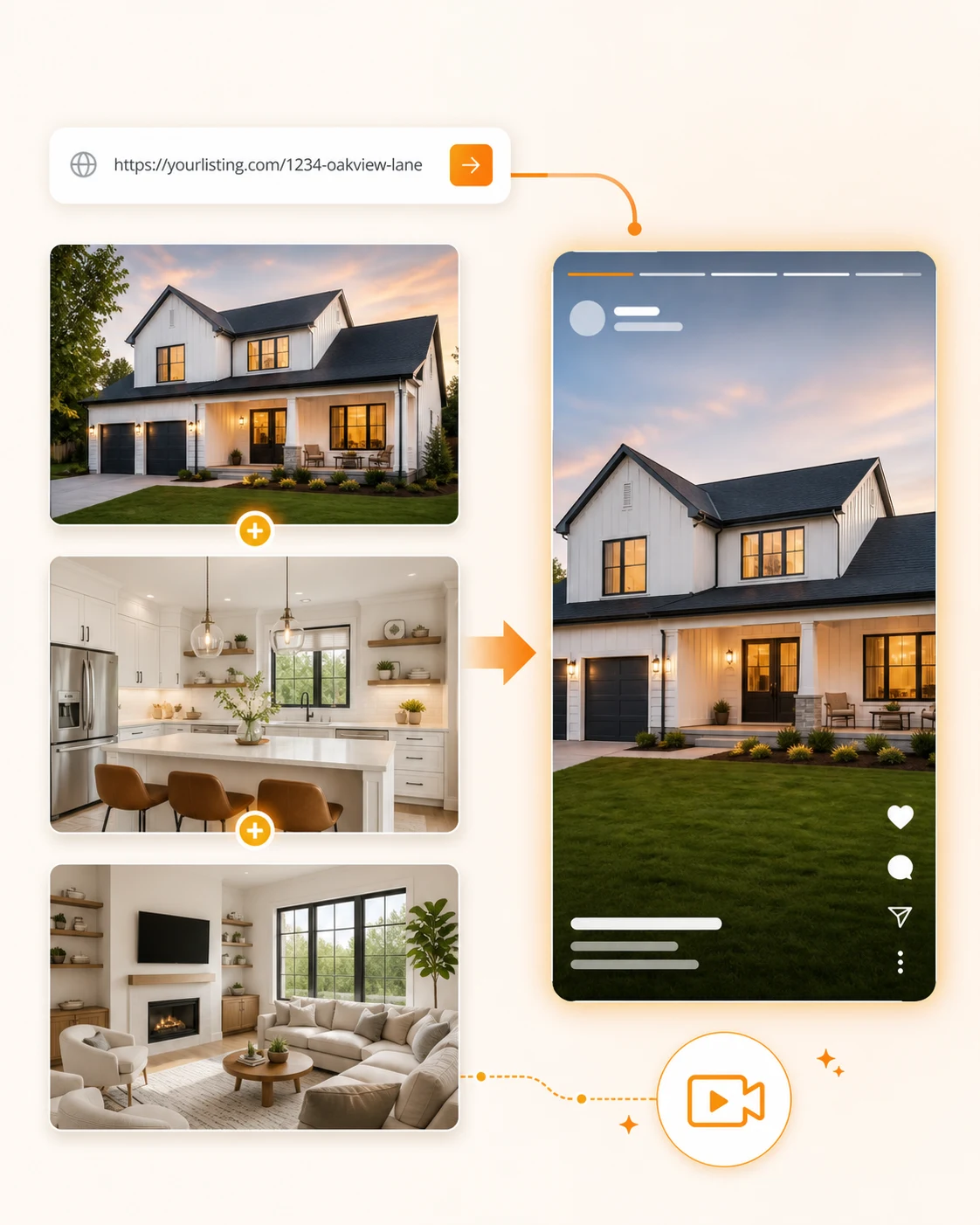
FROM PORTAL TO CAMPAIGN
The portal listing remains the source of approved property facts. ListingVid turns those assets into a mobile-first story while keeping the agent in control of the final review.
Create a Zillow videoA SMALLER WORKFLOW
ListingVid turns the material you have into the motion people remember.
Paste the live Zillow URL or upload the approved property photo set and details.
Confirm room order, listing facts, English narration, captions, music, and agency branding.
Export a vertical or widescreen video for Reels, TikTok, Shorts, ads, email, and buyer follow-up.
BUILT FOR THE MOMENT AFTER “PUBLISH”
Turn the photos and facts already approved for Zillow into a video for the first social push.
Create a concise vertical property story for Instagram, TikTok, and YouTube without rebuilding the listing in an editor.
Reuse the same branded video in email, text, presentations, and listing updates throughout the campaign.
PRODUCTION COMPARISON
Compare the path from approved listing assets to a publishable property video.
| Decision point | ListingVid | General video editor | Videographer |
|---|---|---|---|
| Starting point | Zillow URL or property photos | Blank timeline or template | Scheduled property shoot |
| Property story | Generated from listing details and reviewed | Written and assembled manually | Planned with the production team |
| Social versions | Vertical and wide outputs from one workflow | Reframed and exported manually | Defined in the production brief |
| Best fit | Repeatable listing and social content | Hands-on timeline control | Flagship cinematic production |
GOOD TO KNOW
Paste the Zillow listing URL or upload the approved property photos, then review the generated room sequence, script, voiceover, captions, music, and branding before export.
Yes. A supported URL can shorten setup, but an approved photo set plus the property facts is enough to build the video workflow.
Use vertical video for Instagram Reels, TikTok, and YouTube Shorts, and wider versions for presentations, email, ads, and the rest of the listing campaign.
No. ListingVid is designed for agents and marketing teams to review the property story and publish without managing a separate timeline-editing project.
ListingVid creates the video asset for your marketing workflow. Where and how a video can be added to a portal listing depends on the portal’s current product rules and your account.
YOUR LISTING IS READY WHEN YOU ARE
Start with the listing buyers already see, then create the video your social campaign still needs.
Create your first video