Recover listing photos that feel too dim
Improve visibility and room atmosphere before buyers ever click through the full gallery.
Improve Lighting
Use lighting improvement to brighten interiors, rebalance exposure, and produce room photos that feel more open, clean, and easier to market.
Built for Agents · Photographers · Editors · Property teams
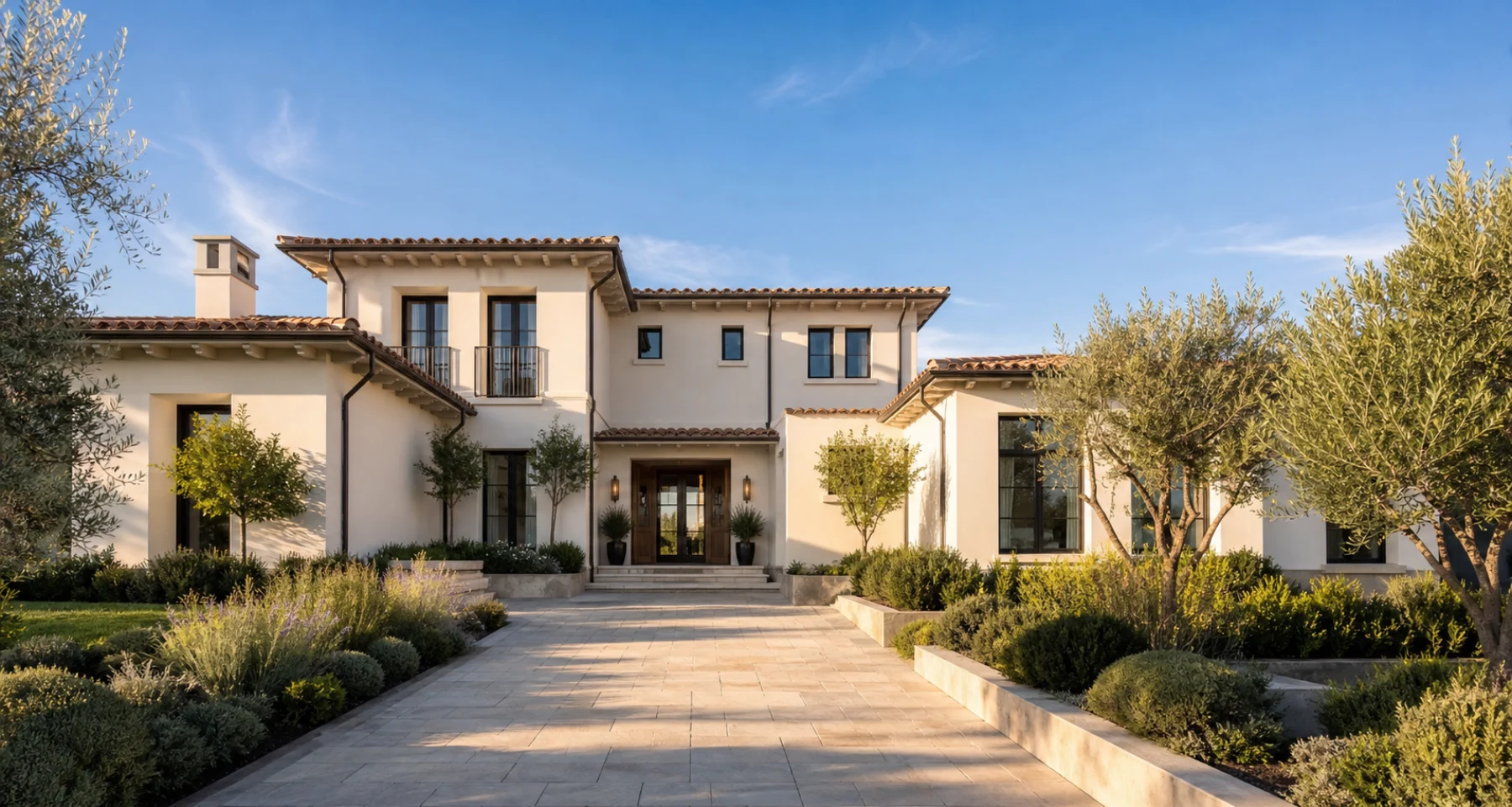 Brighter · Clearer · More inviting
What changes
Improve visibility and room atmosphere before buyers ever click through the full gallery.
Brighter presentation often makes space read as cleaner, newer, and easier to imagine living in.
Make practical lighting corrections directly inside the ListingVid workflow.
How it works
Select the photo that needs better visibility or a stronger presentation.
Use automatic or guided improvement presets to lift the image without rebuilding the entire scene.
Export the brighter result or feed it forward into video and other listing outputs.
Where it fits
Improve darker room photos taken in poor weather or uneven daylight.
Bring different photo sources closer to one consistent standard.
Use brighter property imagery where fast visual clarity matters most.
FAQ
Lighting improvement is a focused correction path. It can also be combined with broader enhancement in the studio.
Yes. It is useful both for single-image fixes and for full property sets.
Yes. Exterior images can benefit when the original photo feels flat, cloudy, or underlit.
Yes. The workflow is designed to let teams compare and save the version they want to publish.
Start with the listing
Generate a reviewable first cut, confirm the story and branding, then export it for the channels in your campaign.
Create your first listing video